SimBrief import
Load your latest plan by username or Pilot ID. The planned weights fill the performance pages, and the plan is there again next time.
Takeoff and landing performance, SimBrief, live weather and checklists for Microsoft Flight Simulator, on your PC or iPad.
Windows 10 and 11 · MSFS 2020 and 2024 · 28 aircraft · $15, one-time
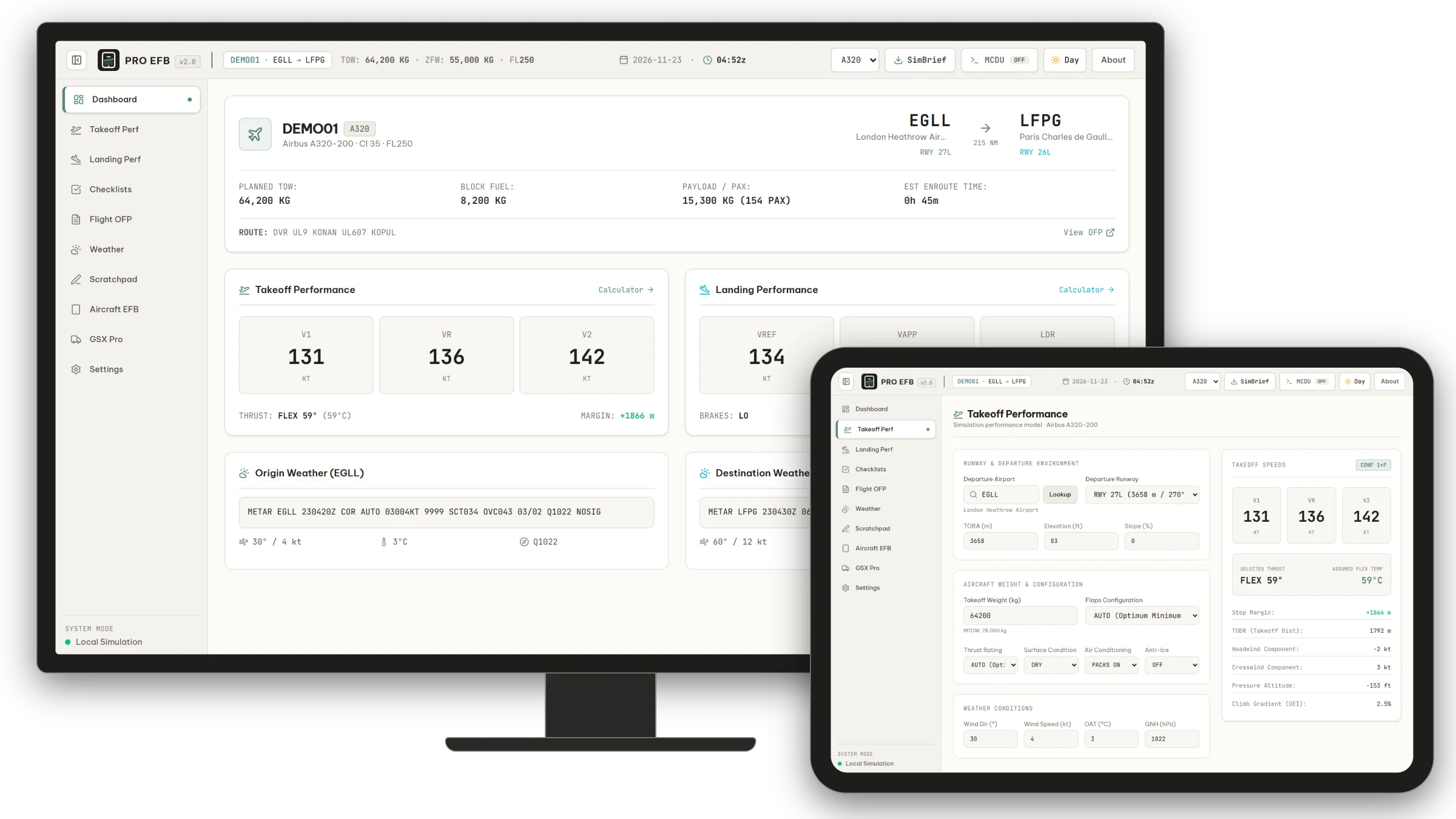
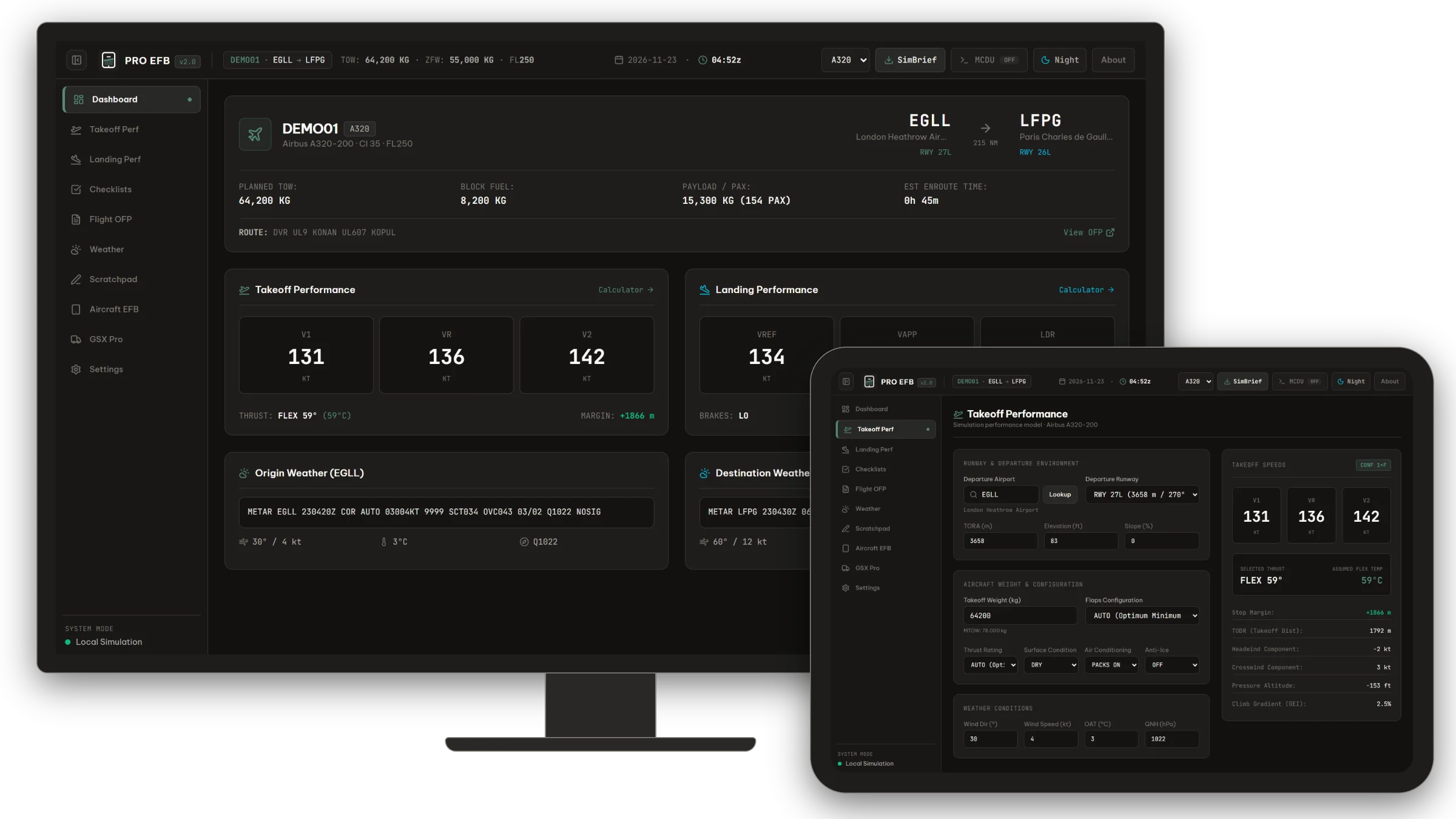
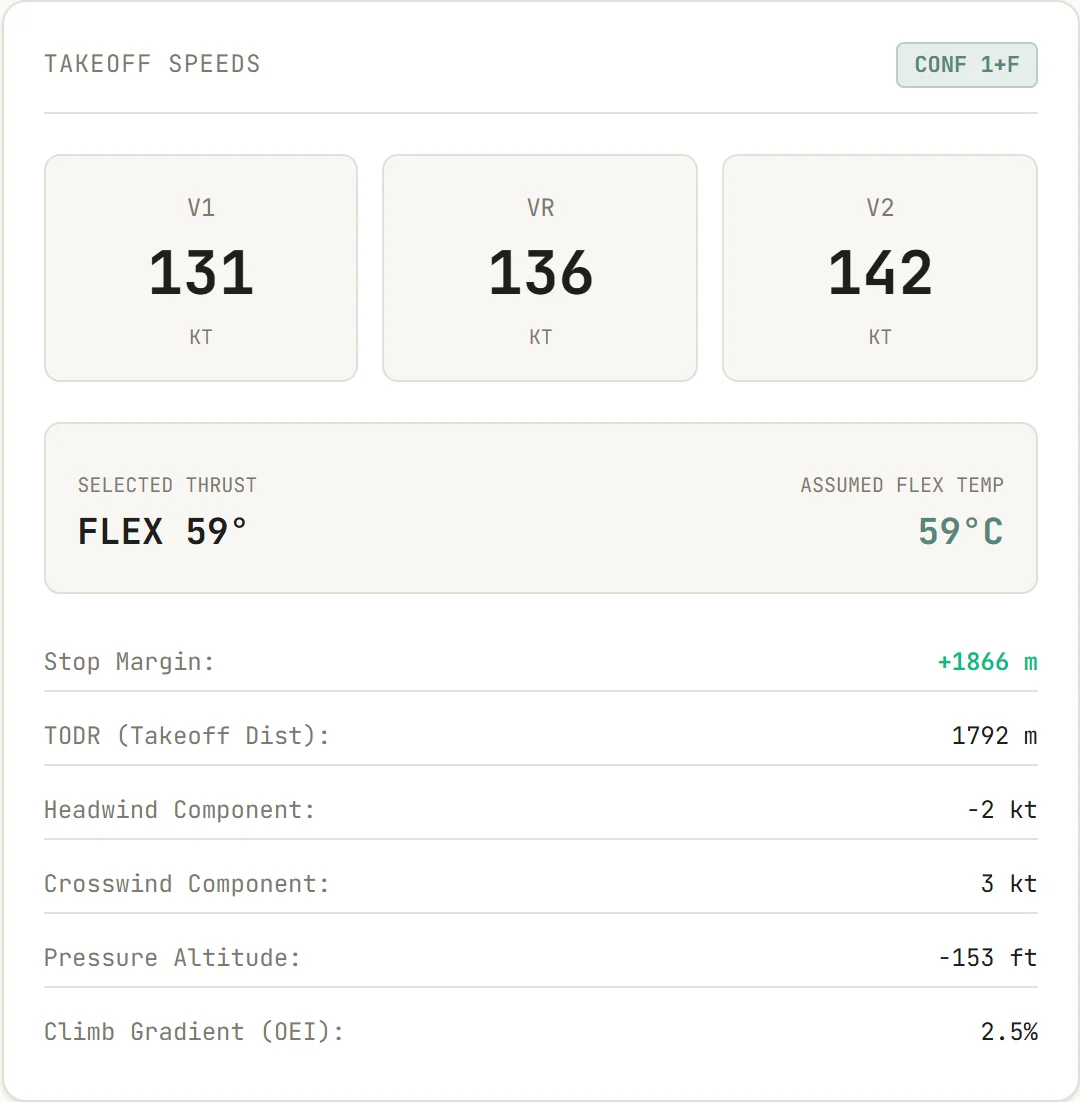
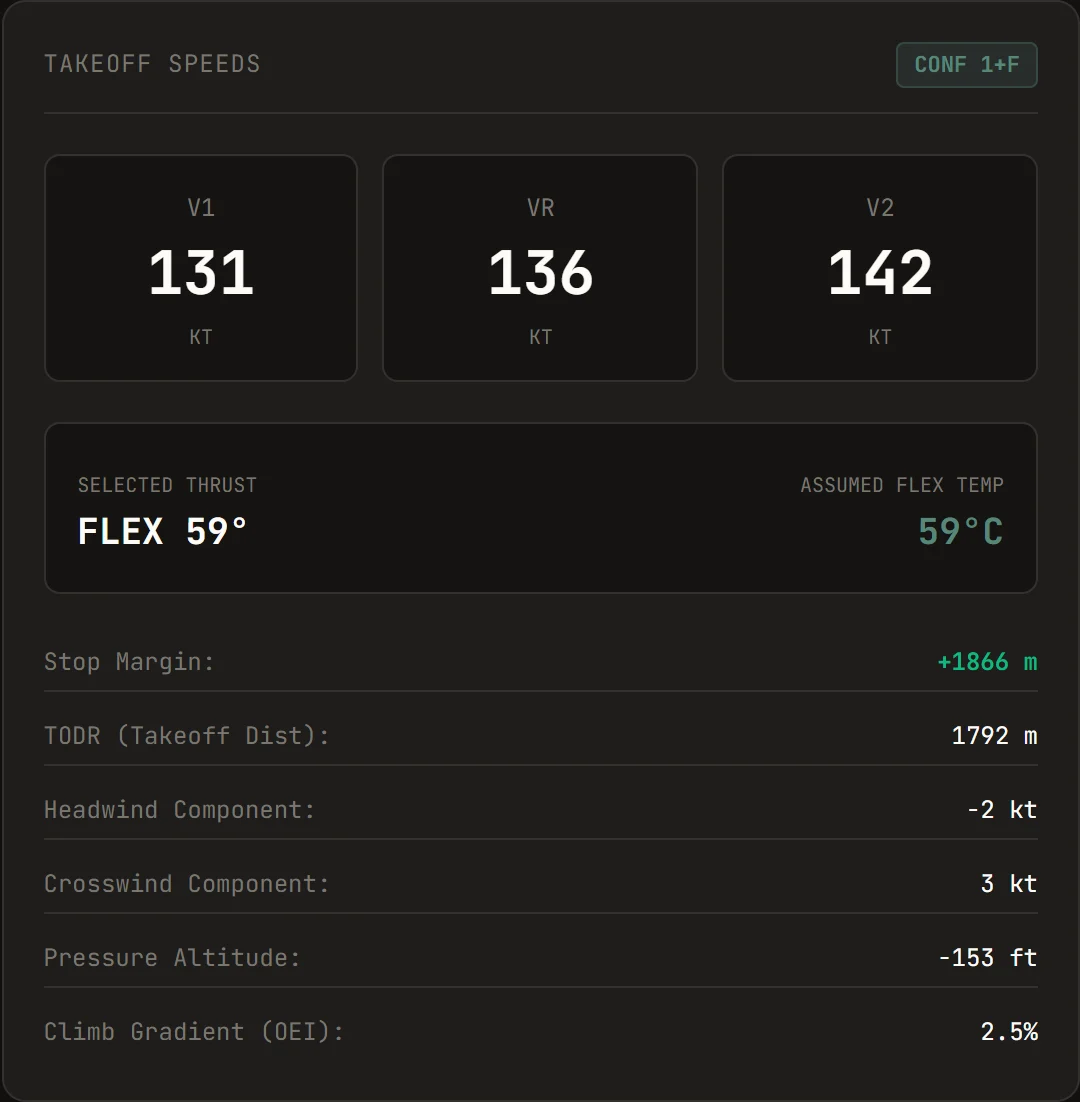
Pick the runway, set the weather and the weight. Pro EFB gives V1, VR and V2, the flex temperature, the takeoff distance, the stop margin and an estimated one-engine-out climb gradient.
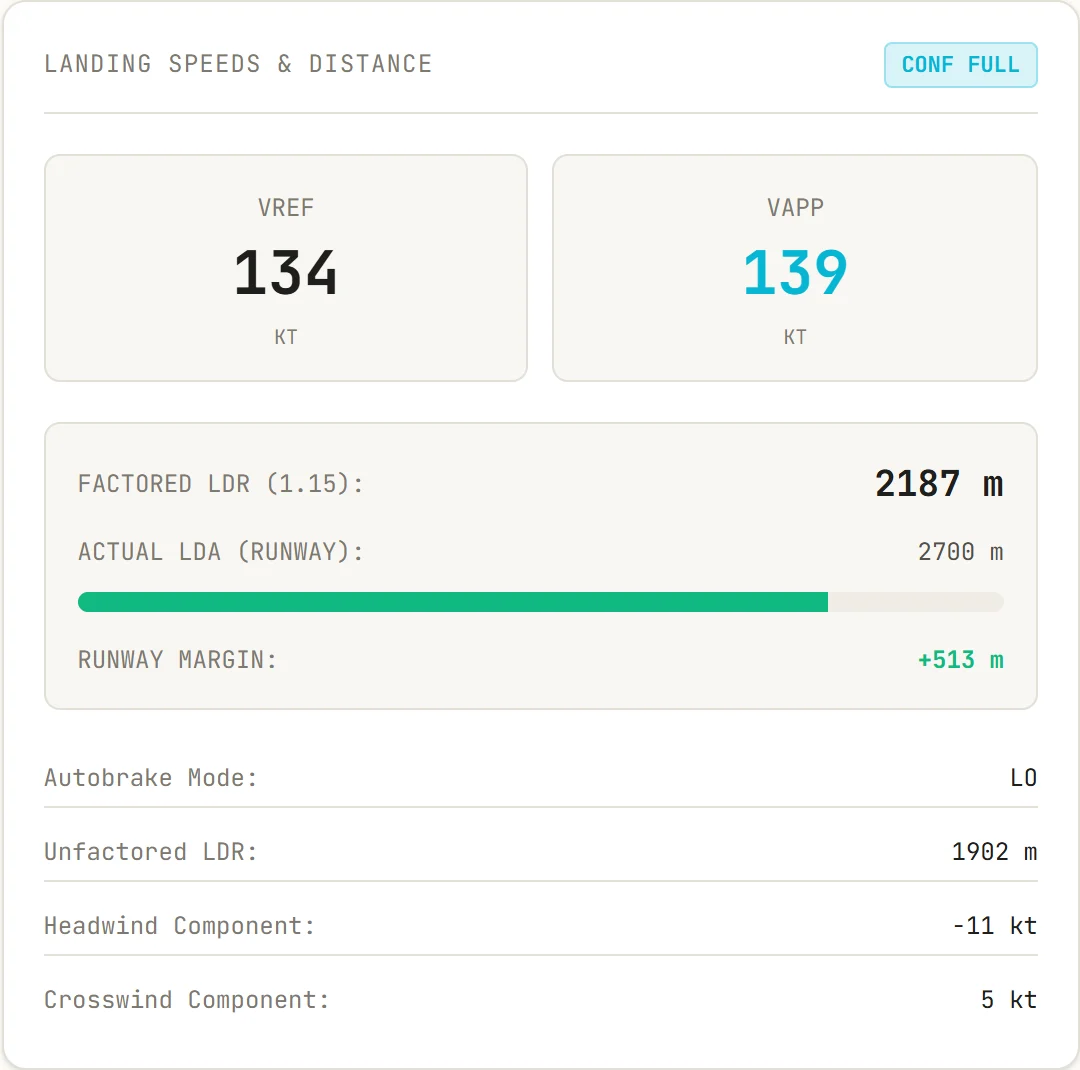
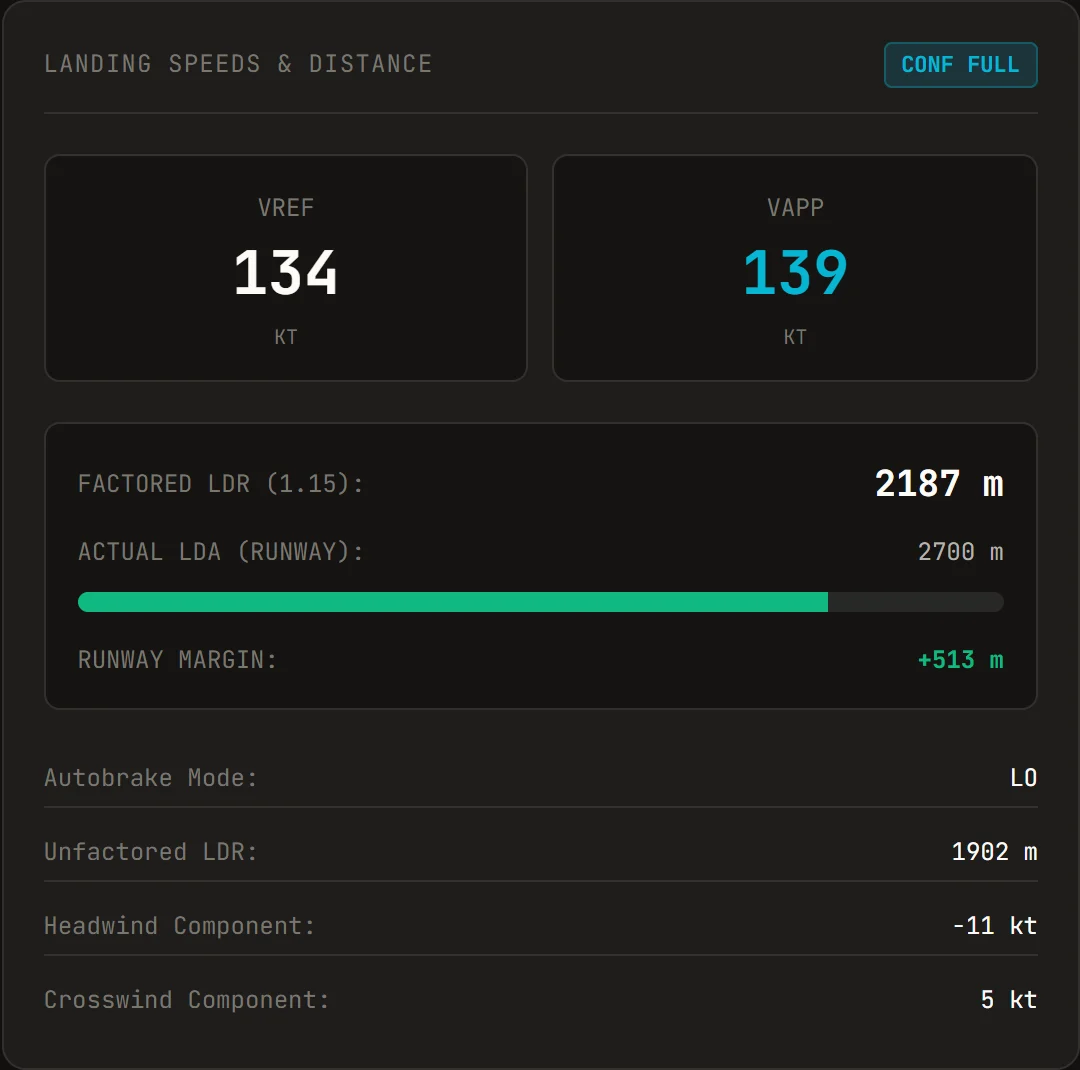
Choose the autobrake, the flaps and the runway surface. You see Vref and Vapp, the factored landing distance against the runway, and how much margin is left.
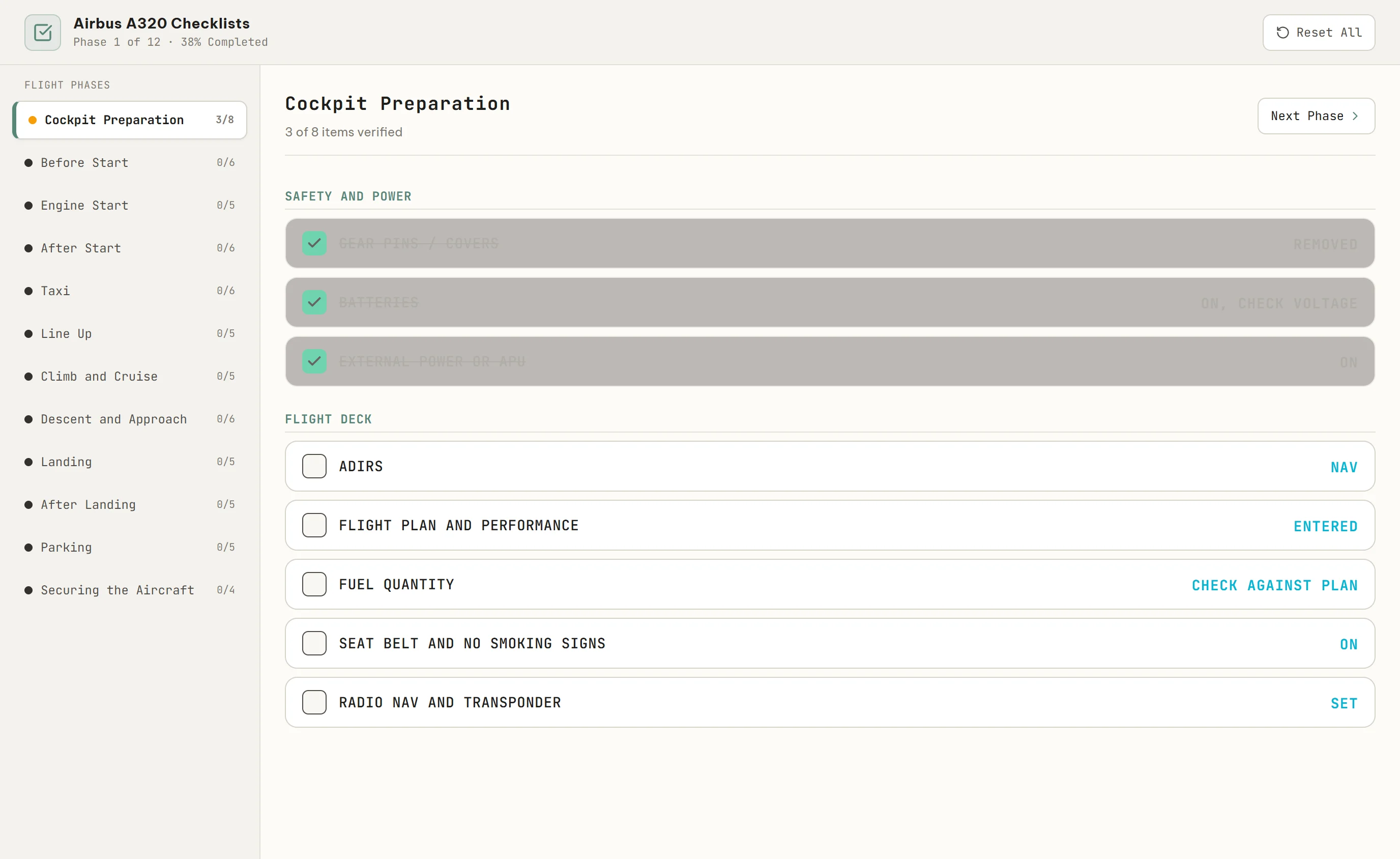
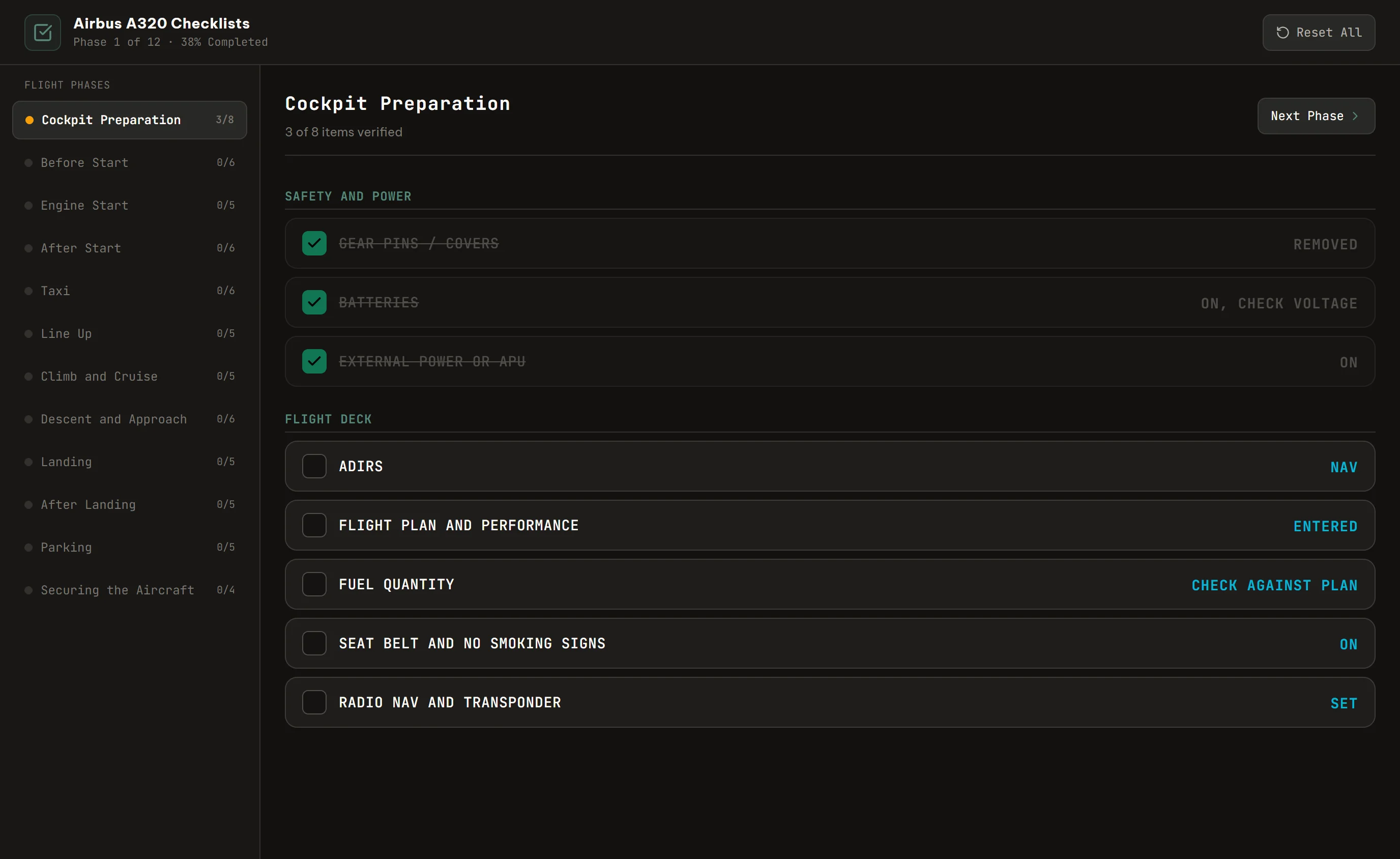
Interactive Airbus and Boeing style checklists in 12 phases. Tick items as you go; your progress stays when you switch pages.
Load your latest plan by username or Pilot ID. The planned weights fill the performance pages, and the plan is there again next time.
Current weather from aviationweather.gov for departure, destination and any airport you search. If it cannot be loaded, Pro EFB says so and never makes it up.
Dock the Fenix A320 MCDU, the FlyByWire MCDU and flyPad, or GSX Pro, sold separately.
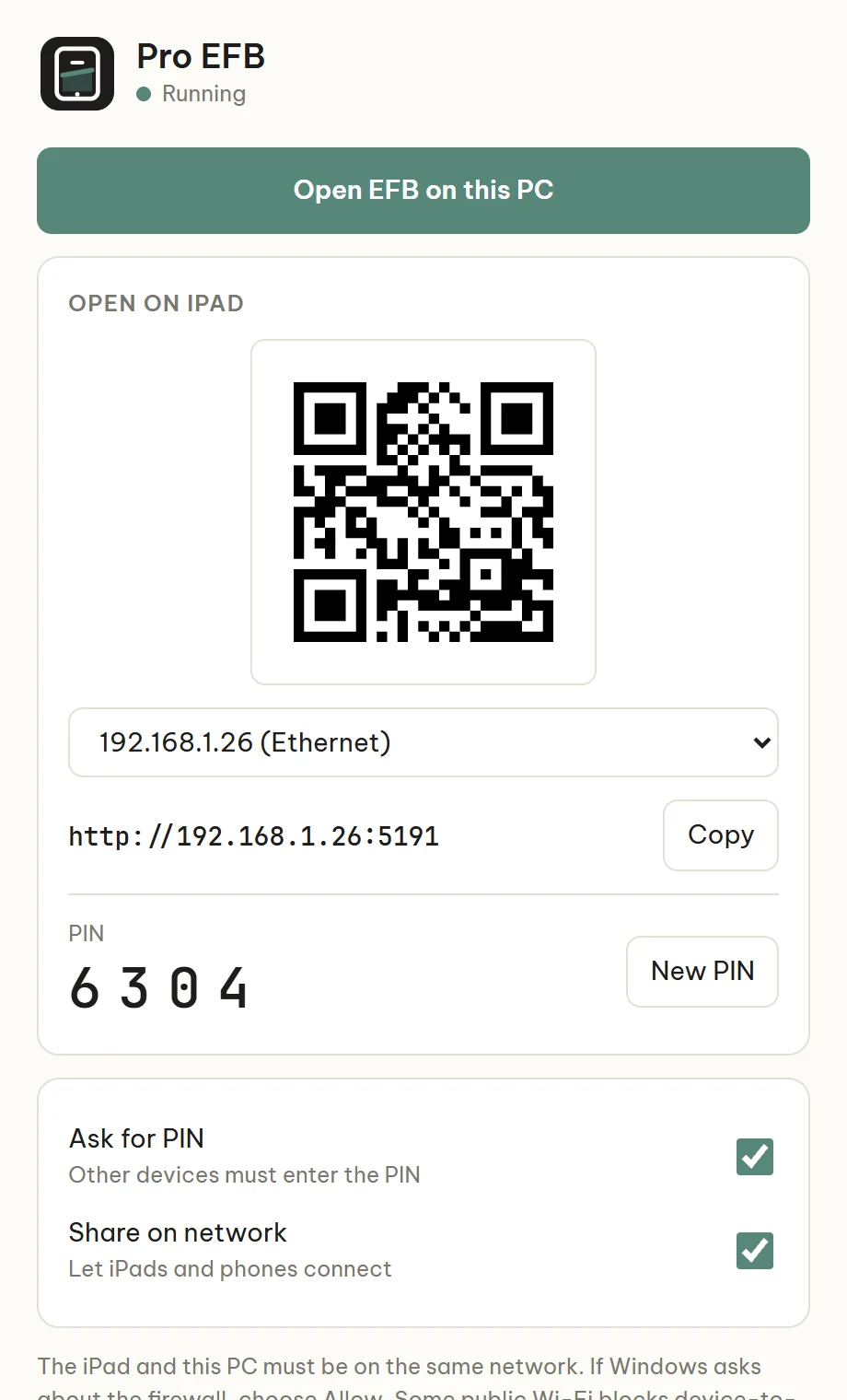
Scan the QR code, enter the 4-digit PIN, and use Pro EFB on any tablet on your network.
A warm light theme for the day and a dark one for night flights, with eight accent colours.
One file, ProEFB.exe. Nothing to install.
The licence key is on your Gumroad receipt. Activation needs the internet once.
Or press “Open EFB on this PC”. Closing the small window stops Pro EFB.
Each profile is built from the manufacturer’s published airport-planning data and fitted to its takeoff and landing charts. Expect results within about 10 percent of those charts: right for the sim, never for a real aircraft.
Everything in the app, for your own sim.
Checkout, receipts, taxes and refunds are handled by Gumroad.
No. Pro EFB is for flight simulation only. Its figures come from a simplified model fitted to published data; it is not certified and must not be used for real-world flight planning.
A Windows 10 or 11 (64-bit) PC that runs Microsoft Flight Simulator 2020 or 2024, and an internet connection to activate the licence and for SimBrief and live weather. A tablet is optional. Fenix, FlyByWire and GSX are separate products.
Pro EFB runs on the Windows PC next to the sim and opens in its own window or in any browser on your network, including iPad and Android tablets. It is not an in-sim panel.
SmartScreen shows this for new apps that are not yet code-signed. Choose “More info”, then “Run anyway”. If Windows asks about the firewall, allow it so your tablet can connect.
Your key activates Pro EFB on up to 3 computers. Moving to a new PC? Write to [email protected] and the activation is moved.
After activation, yes: Pro EFB checks the licence again when it can and keeps working for up to 30 days without a connection. SimBrief and live weather need the internet.
Only your licence key, to Gumroad, to check it. Your settings stay on your PC. See the privacy page.
Write to [email protected] with your order number. Refunds are made through Gumroad; a refunded key stops working.